Log Round: Add Rounds and Shots Data Like a Pro
Garbage data in, garbage data out.
If you want real, actionable club intelligence and hyper-accurate diagnostics from The Lab, you need to learn how to log your rounds properly. It takes less than two minutes, and it will completely change how you look at your golf game.
Step 1: Start a clean entry.
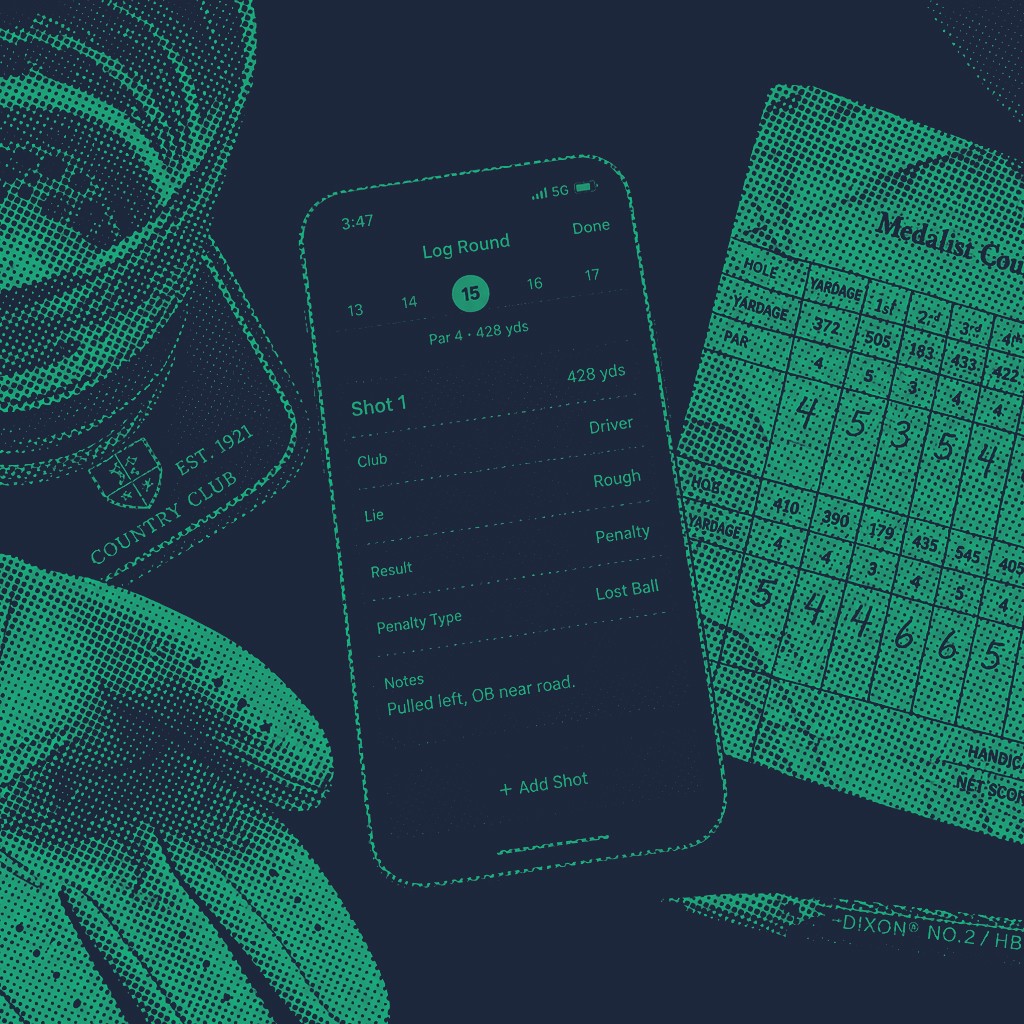
When you open up the app, smash the Log Round button. You're presented with a clean, frictionless interface.
If you’re a spreadsheet refugee, this is where you can easily drop in your historical data via our scorecard CSV upload to bring your past performance to life instantly. If you're entering a fresh round, just hit manual entry and prepare to face the music.
Step 2: Set the scene.
Before entering a single score, fill out the round basics. This gives context to your analytics downstream:
The Essentials: Date, course name, and the specific tees you played from.
The Math: Enter the par, slope, and rating. (Pro-tip: Birdie Lab can store your course registry metadata, so once your home course is locked in, this auto-fills).
The Conditions: Was it blowing a gale? Was the ground rock hard or a total mud-bath? This matters when you look back at your score trend chart months from now.
Step 3: Enter your shots like a scientist.
You can log a simple summary score, but if you want to unlock serious club analytics and see your true performance radar, you want to track hole-level or shot-level data. When entering shots, focus on four simple metrics:
Club: Be honest. If you bladed a 5-iron, don't log it as a 7-iron because you're embarrassed.
Lie: Was it Fairway, Rough, Sand, or Tee?
Distance: Use yards or meters (toggle this in your profile settings). Use your actual on-course distance, not your fictional driving range distance.
Result: Hit the fairway? Missed short-left? Plunked it straight into a green-side bunker? Tag it correctly.
Step 4: Consistency is king.
To make sure your trend history stays clean, use consistent tagging. Don’t mark a shot as a "penalty" on hole 3 and then just add two strokes to your gross score on hole 4 without tagging the drop.
Consistent logging ensures our calculation framework correctly applies the best 8 of 20 WHS index logic, factors in soft/hard caps, and normalizes your data perfectly across all courses played.
Don't panic: you can fix your fat-finger mistakes.
We know what it's like. You're logging your round in the parking lot, your hands are tired from hacking out of the deep rough, and you accidentally enter a 12 on a par 3.
Relax. Your trend history isn't ruined. Just navigate over to your History Archive, filter by the course or date, select the round, and edit the entry or re-upload the corrected scorecard CSV. The database updates instantly via real-time sync listeners, keeping your metrics clean without breaking your history.
The 2-minute post-round autopsy.
Once your round is saved, don't just close the app and go buy a beer. Spend 60 seconds on your performance command center dashboard and check these three immediate metrics:
GIR vs. Miss-Patterns: Did you miss your greens because your distance was off, or were you spraying it wide?
Putts Per Hole: Did you actually strike the ball beautifully but completely waste it with a 40-putt performance?
The Lab Insight Cards: Read the automatically generated diagnostic prompts. They will tell you exactly what part of your game cost you the most cash today.
Your next step toward stopping the bleeding.
Raw statistics mean nothing until they are converted into a game plan. Now that you know how to capture pristine data, it’s time to take action. Go log your latest round, look your flaws dead in the eyes, and let’s start fixing them.