Adding Locations to you rounds
Let’s be honest: you didn't fly six hours and pay a "resort fee" just to have that round sit in a digital spreadsheet. You played the course. You conquered (or were conquered by) the terrain. Now, it’s time to claim your territory.
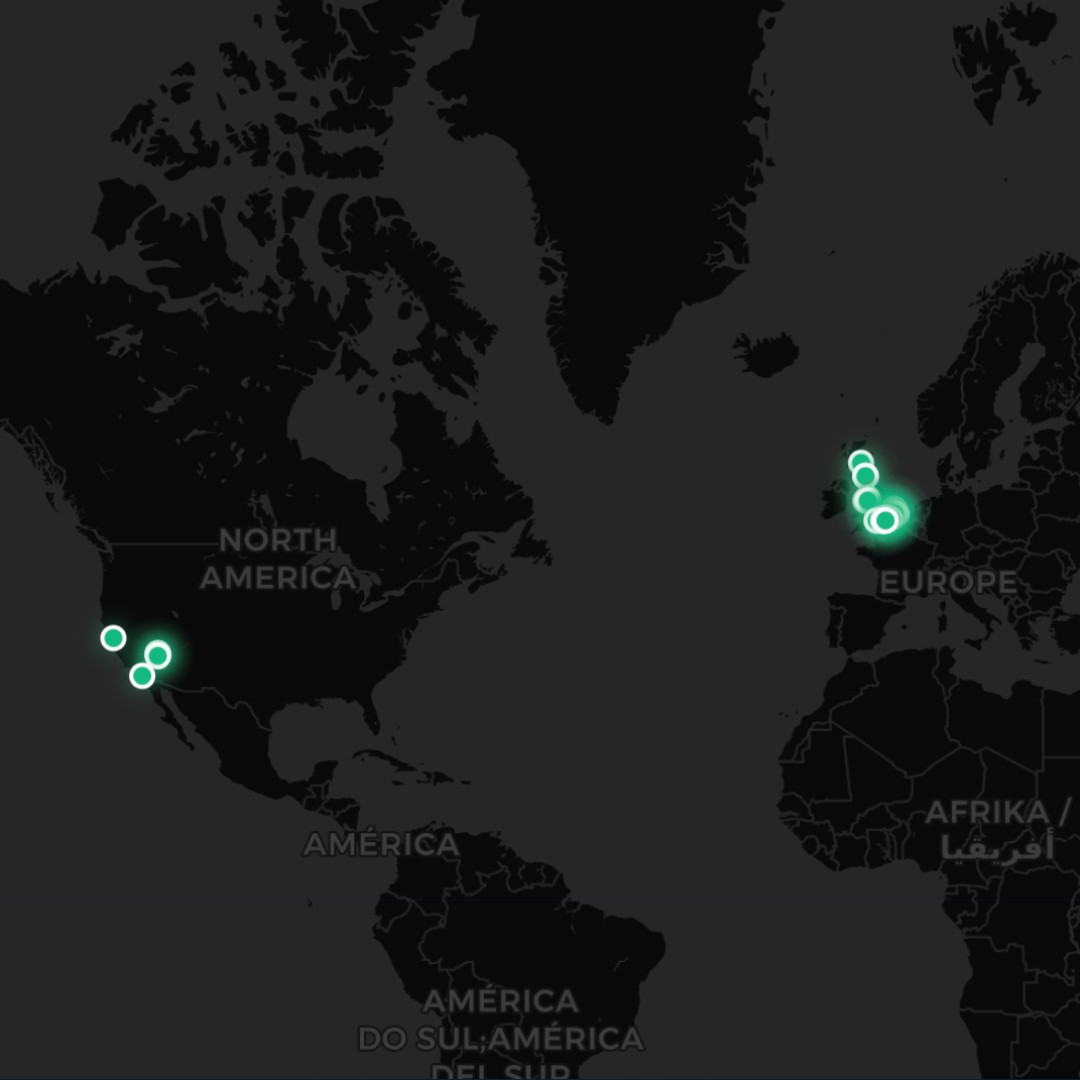
At Birdie Lab, we think a list of course names is boring. We want you to see your global conquest in high-definition. Adding Latitude and Longitude to your Course Registry turns a boring table into a visual trophy room.
Here is how to put your game on the map—literally.
Step 1: Find the "History" tab
Stop wandering aimlessly like you’re looking for a ball in the deep fescue.
Head over to the Course Registry. This is the brain part of the courses of your Birdie Lab account. Search for an existing course that’s currently "homeless" (missing its coordinates).
Clicked edit on the course you want to add the coordinates to and the course edit will pop up.

Step 2: The "Science" Part (Lat & Long)
This is where the magic happens. To get that satisfying pin on your Course Map, you need coordinates.

The Pro Move: Open Google Maps, right-click the clubhouse (or the 1st tee if you’re fancy), and copy those two strings of numbers.
The Birdie Way: Drop those into the Lat/Long fields. Our system geocodes the location to ensure your map reflects reality, not just wishful thinking.
We only need 2 decimal places to find the course so keep it simple!
LAT: 51.61 LONG: 0.02
Step 3: Claim Your Territory
Hit SAVE. That’s it. Your round is now officially anchored to the Earth's crust. Whether it’s the local muni or a bucket-list track in Scotland, you can now zoom out on your Dashboard and see exactly where you've left your mark (and your golf balls).

The Ego Check: Seeing fifty pins on a map is a great flex, but if your "Avg. Score" at all of them starts with a 9, the map isn't the problem. The "The Lab" can help you fix that next.